History that stays readable
Scan commits, branches, tags, remotes, authors, dates, and refs without losing the shape of the repository.
Branchlane 1.1 for Mac
A focused, native Git client for developers who want clear history, precise staging, and safer daily operations—without another account or cloud layer.
A native daily driver
Read repository state at a glance, make exact changes, and keep risky operations understandable from start to finish.
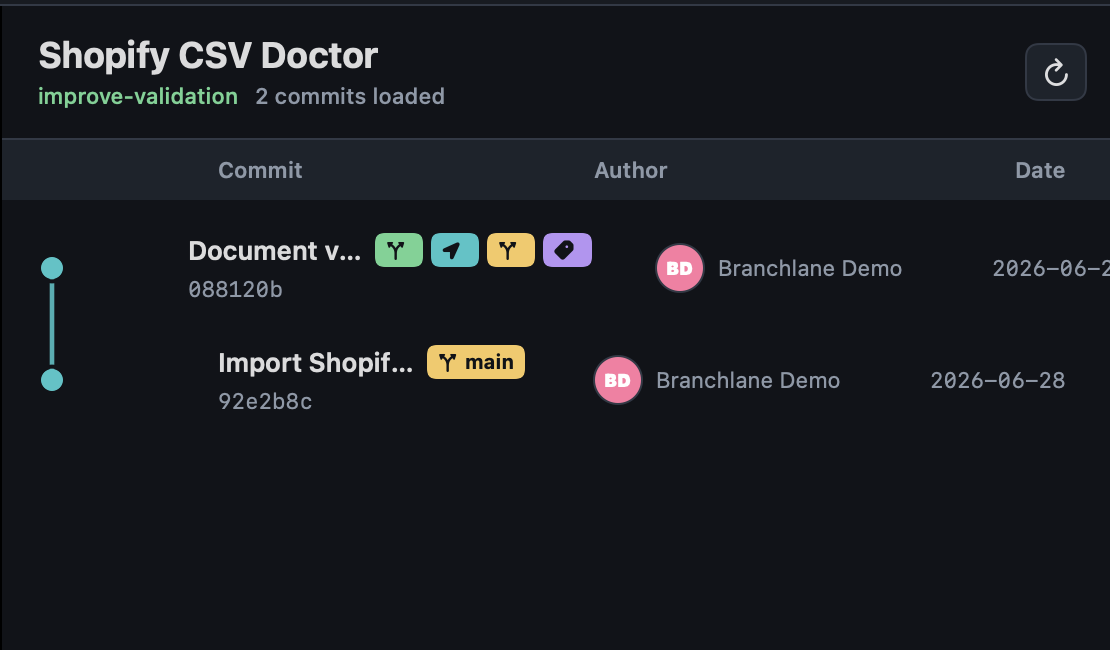
Scan commits, branches, tags, remotes, authors, dates, and refs without losing the shape of the repository.
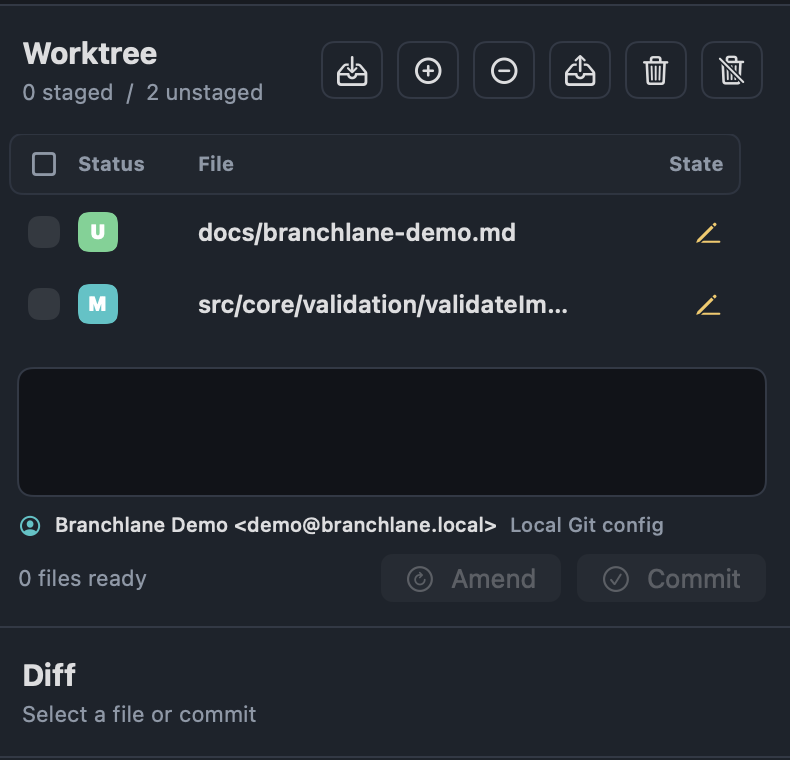
Inspect side-by-side diffs, then stage a file, hunk, or individual line before you commit.
Create, switch, merge, rebase, and delete branches with repository state kept visible.
Fetch, pull, push, publish, and force push with lease using the Git credentials already on your Mac.
Resolve with ours or theirs, mark files resolved, then continue or abort the in-progress operation.
Cherry-pick, revert, reset, stash, and amend with confirmations around the actions that deserve them.
Free to inspect
Open an existing local repository and browse its structure for free. Branchlane Pro unlocks the write, clone, history, and sync operations that move work forward.
New in 1.1
The new release clarifies what is free, makes Pro actions easier to understand, and turns common Git failures into guided next steps.
Inspect an index.lock, verify whether it is stale, reveal it in Finder, and remove it safely. Missing author and origin settings can be fixed in the app too.
Repository browsing remains useful without a subscription. Pro prompts now explain the exact capability you are about to unlock.
Streaming Git output and clearer operation feedback make clone, fetch, pull, and push easier to follow.
Branchlane is available in English, Korean, Japanese, Simplified Chinese, and Traditional Chinese.
Real repository work
Branchlane uses the space of your Mac for information density without burying the action you need next.
Simple App Store pricing
Start with a 14-day Pro trial, then choose monthly or yearly. No account, license key, team seat, or separate billing portal.
Private by architecture
Download Branchlane for free and inspect your first local repository. Start Pro only when you are ready to change it.